أدلة
استكشاف أخطاء مستمد من شكاوى KMPlayer الحقيقية
الشاشات السوداء وانزياح المزامنة ومشاكل الترجمة وإعلانات الشريط الجانبي وتنبيهات مضاد الفيروسات تتكرر في المراجعات العامة. هذه الخطوات عملية ومحددة للمنتج.
الفيديو أسود أو صوت فقط
Reviewers report updates where some files show no video while VLC still plays them. Often this is renderer or codec selection.
- 1. تأكد أن الملف يفتح في مشغل آخر حتى لا يكون المصدر مبتورًا.
- 2. In KMPlayer preferences, switch the video renderer (or enable hardware acceleration if it is off, then try the reverse).
- 3. For HEVC / H.265 MKV files, verify Windows has a working HEVC decoder path and that KMPlayer is using its listed built-in HEVC support.
- 4. If the problem started after an update, roll back to a previous EXE from your own archive after checking its hash. See version history.
الصوت والفيديو يخرجان عن المزامنة
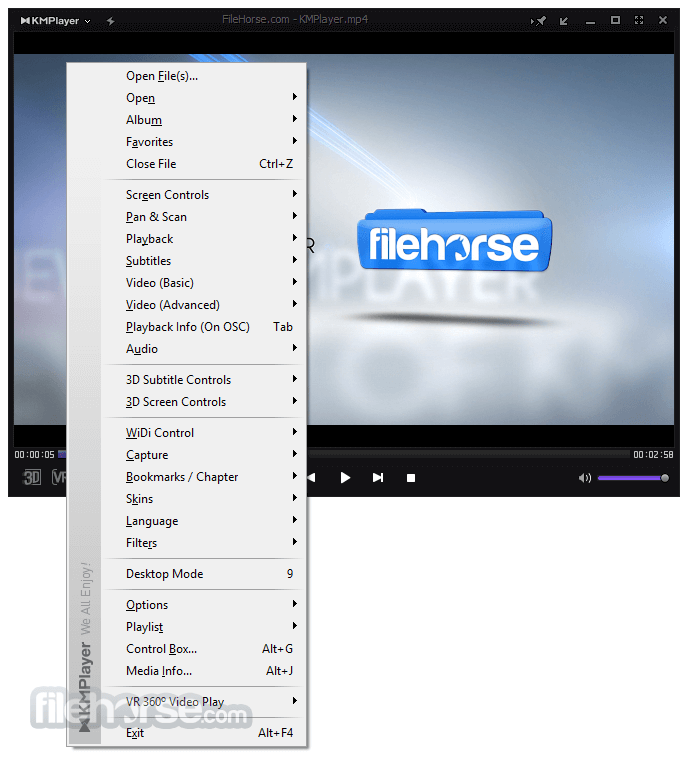
- 1. Use KMPlayer audio synchronization controls (listed on 64X feature pages) and nudge in small steps.
- 2. On multi-monitor PCs, try the 4.2 sound renderer select-by-monitors option so audio routes to the display you are watching.
- 3. Disable extra post-processing effects temporarily; heavy filters can add latency on older CPUs.
- 4. If only one container type drifts, re-mux or test an alternate audio track inside the MKV.
الترجمة لا تُحمَّل أو توضع بشكل خاطئ
- 1. Match the subtitle basename to the video, or open Subtitle and load SRT, ASS, SSA, SMI, SUB or IDX manually.
- 2. Adjust size, color and position from subtitle settings when text covers faces or sits off-screen.
- 3. For 3D material, use the 3D subtitle overlay controls described in desktop marketing copy.
- 4. If timing drifts, use delay controls rather than restarting the whole file.
أفضل الممارسات
- Keep external subtitles UTF-8 when possible to avoid mojibake in Korean, Japanese or Chinese tracks.
- Prefer ASS/SSA when you need styled karaoke or complex positioning.
- Bookmark long sessions with the built-in bookmark feature instead of remembering timestamps.
لوحة إعلانات يمنى في الإصدار القياسي
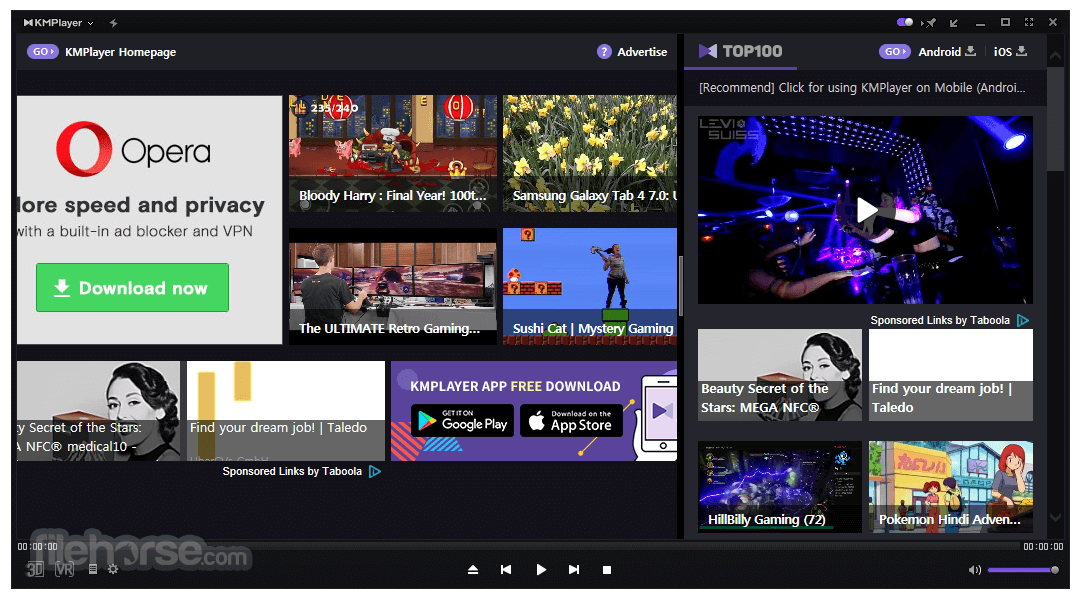
Multiple public reviews complain about a large promotional panel beside the video on free Windows builds. Official product pages themselves list advertisements on the classic PC line and market 64X as the no-ad option.
- 1. Look for the top-bar toggle reviewers mention for dismissing the side panel during a session.
- 2. Use fullscreen playback when you need the panel out of view temporarily.
- 3. If you need a publisher-marketed ad-free desktop player, install KMPlayer 64X on a supported 64-bit Windows system instead of the ad-supported classic line.
- 4. During setup, uncheck optional third-party offers so you do not install extra toolbars or companions.
تحذيرات مضاد الفيروسات على EXE
Packed installers and optional offer screens create noisy detections. Treat hash mismatch as a stop; treat a lone heuristic alert as a signal to verify, not a final verdict.
- 1. Re-download once and compare SHA-256 to the published value on the download integrity section.
- 2. Submit the exact EXE to your AV vendor portal if the hash matches and the alert persists.
- 3. Create a restore point before installing if your environment is sensitive.
- 4. After install, confirm file associations and remove any unexpected browser helpers added by offers you did not intend to accept.
KMPlayer